- 80/20 AI
- Posts
- Meta buys Moltbook.

In partnership with

Advertise here | 6-min Read
Welcome to our Thursday edition!
In today’s menu:
AI Inspirational Quote
Meta buys Moltbook.
U.S. confirms AI use in Iran war.
Today's AI Radar
Daily AI Byte
Social Media
Trending AI Tools
Download FREE Advanced 100+ ChatGPT Prompts.
Want to get the most out of ChatGPT?
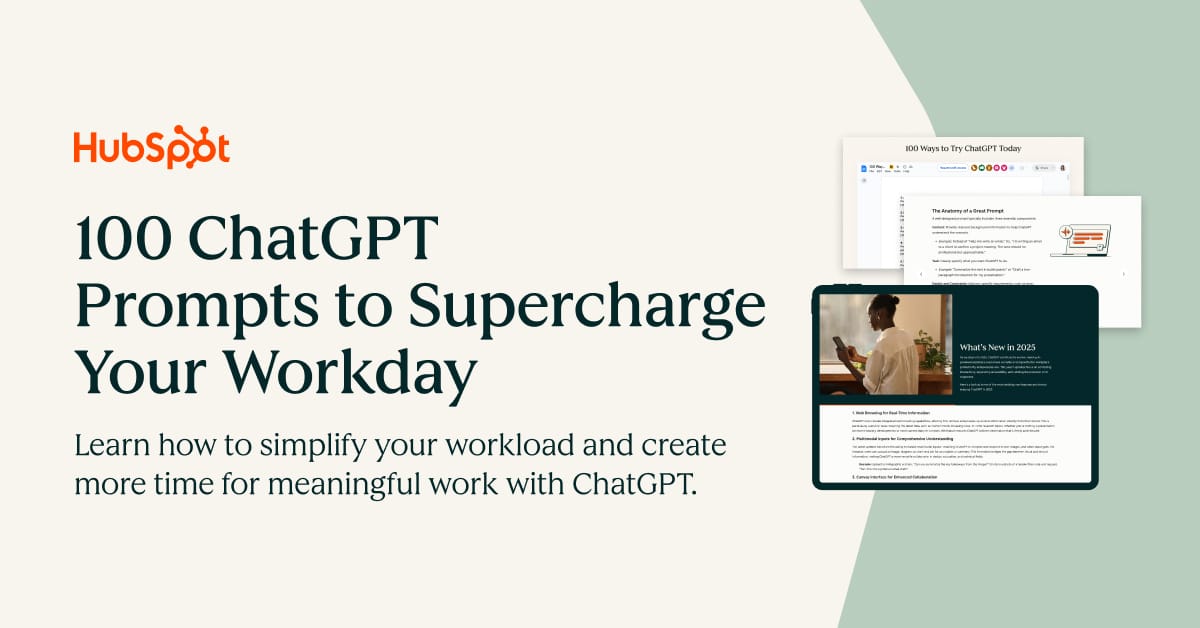
ChatGPT is a superpower if you know how to use it correctly.
Discover how HubSpot's guide to AI can elevate both your productivity and creativity to get more things done.
Learn to automate tasks, enhance decision-making, and foster innovation with the power of AI.
Work hard enough that luck has somewhere to land.”
— Sam Altman
See Why HubSpot Chose Mintlify for Docs

HubSpot switched to Mintlify and saw 3x faster builds with 50% fewer eng resources. Beautiful, AI-native documentation that scales with your product — no custom infrastructure required.
Trending AI Tools
Deskrib.ai: Converts ideas into polished documents instantly.
Asyntai: Provides AI-driven 24/7 live chat support for websites.
AIHumanizerText.com: Humanizes AI-generated text.
Blipix.pro: Generates faceless videos with images, voice, and music.
visibilityrank.ai: Tracks brand visibility across AI search engines.
CleverSchool.ai: Explains complex concepts in simple terms.
Merra: Runs AI‑led conversational interviews.
Nano Banana: Edits images using natural language prompts.
Watermelon.ai: Builds AI agents to automate customer support.
Daily AI Byte
How to Create Canva Designs Instantly Using ChatGPT

Connect ChatGPT to Canva and generate ready-to-edit designs directly from a prompt.
Here's how to do it (step-by-step):
Step 1: Open ChatGPT (Plus/Pro/Team/Enterprise)
Step 2: Go to Profile → Settings → Apps and connect your Canva account.
Step 3: In a chat, click the "+" icon → More → Canva.
Step 4: Paste this prompt
“Create a Canva design for a LinkedIn carousel explaining 3 AI marketing trends. Use a clean modern layout with bold headings, simple icons, and a professional color palette.”
Step 5: ChatGPT will generate a Canva design preview you can open and edit directly in Canva.
Quick Tip:If you have Memory enabled, Canva reads it, so prompting "design a flyer for my business" will automatically apply your business name, niche, and context without you typing it every time.

You can access free world class AI courses from Google, Harvard University, The Wharton School, Amazon Web Services (AWS), IBM and Microsoft this week, and they are just a click away...
I’ve seen this from multiple angles, from leading strategy, futures and insight at the Leasehold Advisory Service (LEASE), to scaling legal-tech platforms globally, to speaking on AI regulation, compliance and the future of professional services.
That’s why I still recommend these 9 free AI courses.
They’re useful.
They build awareness.
Here are 9 free AI courses worth taking:
1. AI Essentials — Google
→ https://lnkd.in/ebQZurJq
2. AI for Business — Wharton
→ https://lnkd.in/gmJs8Jym
3. Machine Learning & AI Fundamentals — AWS
→ https://lnkd.in/g5x9Ciwc
4. AI Foundations for Everyone — IBM
→ https://lnkd.in/gbVtbBXR
5. Machine Learning — Harvard
→ https://lnkd.in/gurA8FtN
6. AI Basics — Microsoft
→ https://lnkd.in/g-B7uaDS
7. AI Product Manager — IBM
→ https://lnkd.in/gBzVtFA2
8. Prompting Essentials — Google
→ https://lnkd.in/g242vD5N
9. Prompt Engineering Basics — IBM
→ https://lnkd.in/gMTBkPEa
Take at least 2 this month.
👋 THAT’S A WRAP
SPONSOR US
Get your business in front of over 90k+ AI professionals
8020AI is the world’s #1 AI Newsletter, Read by 90k+ professionals from leading companies such as Google, OpenAI, Meta, and Microsoft.
We've assisted in promoting Over 500 AI-Related Products. Will yours be the next?
What We Can Offer:
Launch an Advertising Campaign
Introduce New Product or Features
Other Business Cooperation
Or Email our founder Alamin at [email protected]